Face ID

Enter the gym by face — no cards, no queues

The camera at the door recognises a client in a fraction of a second, checks the membership and logs the visit. The front desk is freed up, and lost cards stop being a problem.

Enter the gym by face — no cards, no queues

Cards get lost, phones die, and the 7 pm queue at the front desk drains clients' mood. Face recognition removes that friction: the client just walks in.

The photo is taken once at registration — from the administrator's phone or a webcam. From then on the system matches the face at the entrance against the club's client base and, if the membership is valid, opens the way.

How it's built

An IP camera at the entrance streams frames to the recognition server. Every detection is stored with a confidence score; the threshold is configurable — you can demand high accuracy or allow administrator confirmation in borderline cases.

What the administrator sees

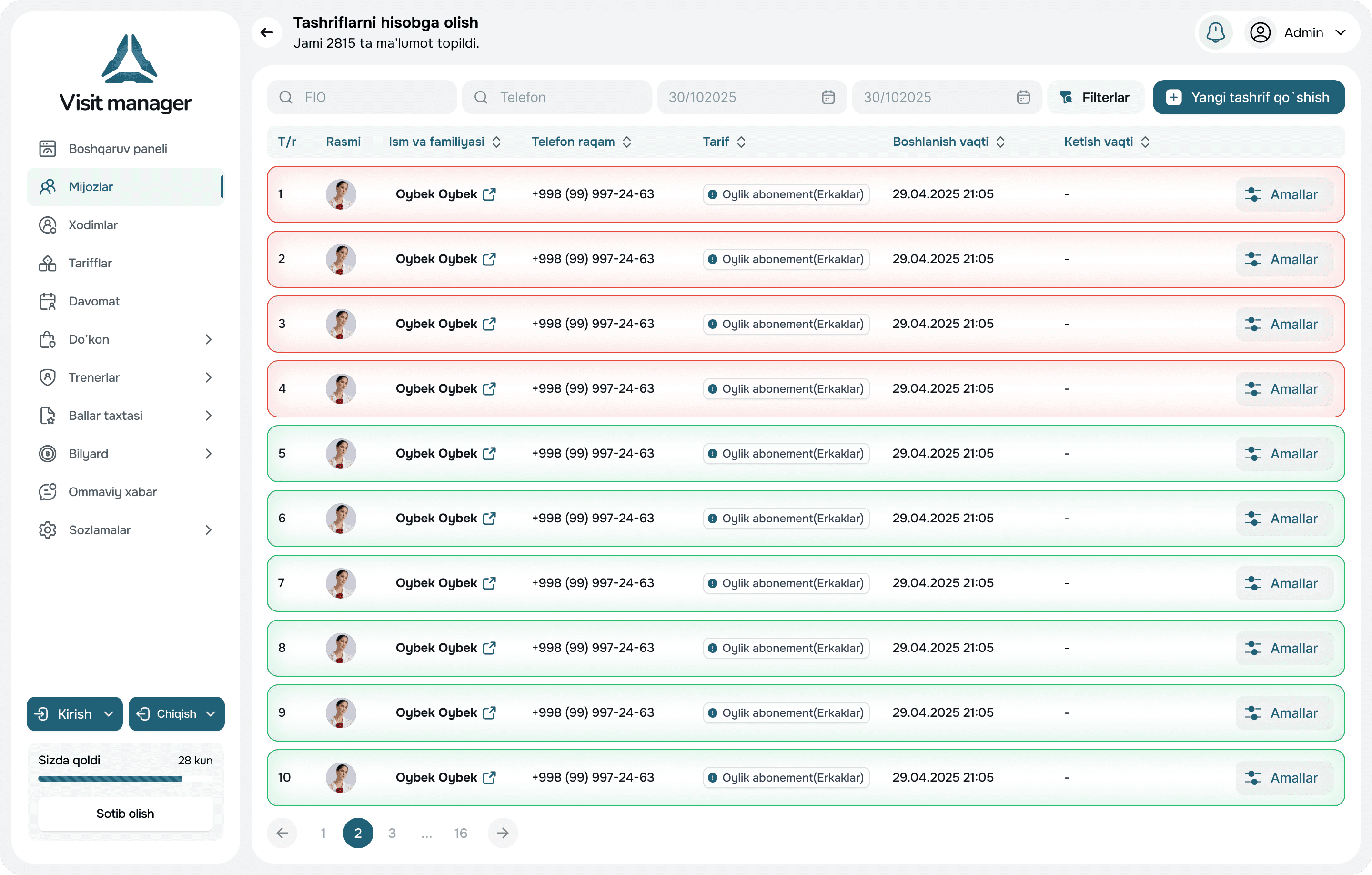
A feed of detections with photo and client name, membership status, entry time. If the system is unsure, the card is highlighted and the administrator confirms the entry with one tap.

Alongside other methods

Recognition doesn't exclude cards and QR: a client may have several methods, and the system counts the first successful one. For a turnstile, the camera becomes another "key".

Client data

Photos are stored in your company's protected storage and never shared with third parties. A client may opt out of recognition — then a card or QR works for them.

How it works

  1. 1

    Install a camera

    A regular IP camera at the entrance, aimed at the face of whoever enters.

  2. 2

    Photograph the client

    One shot at registration — from a phone or webcam.

  3. 3

    The client walks in

    The camera recognises the face; the system checks the membership.

  4. 4

    Visit recorded

    It appears in the client card and the "in the gym now" list.

Frequently asked questions

An IP camera of 2 MP or more, mounted at face level in good lighting. We'll pick the exact model together during setup.

All entries — in one app

VMI Pro shows who entered by face, who by card, and whom the administrator checked in.

Request a Call

Leave a Request — We'll Call You Back

We'll tell you about the system's features, help you choose the right plan, and assist with setup. We usually call back within 30 minutes.

⏱️

We call back within 30 minutes

💡

Free consultation

⚙️

Setup assistance in 1–2 days

Request a Call

Fill out the form and we'll get in touch