
Four ways to enter
- QR code — on the client's phone or printed on a card
- NFC card or key fob — reader at the front desk
- Turnstile — hardware integration, client and plan sync
- Face recognition — camera at the entrance
Clients enter by QR code, NFC card, turnstile or face — the visit logs itself. The administrator sees live gym load and marks no one by hand.
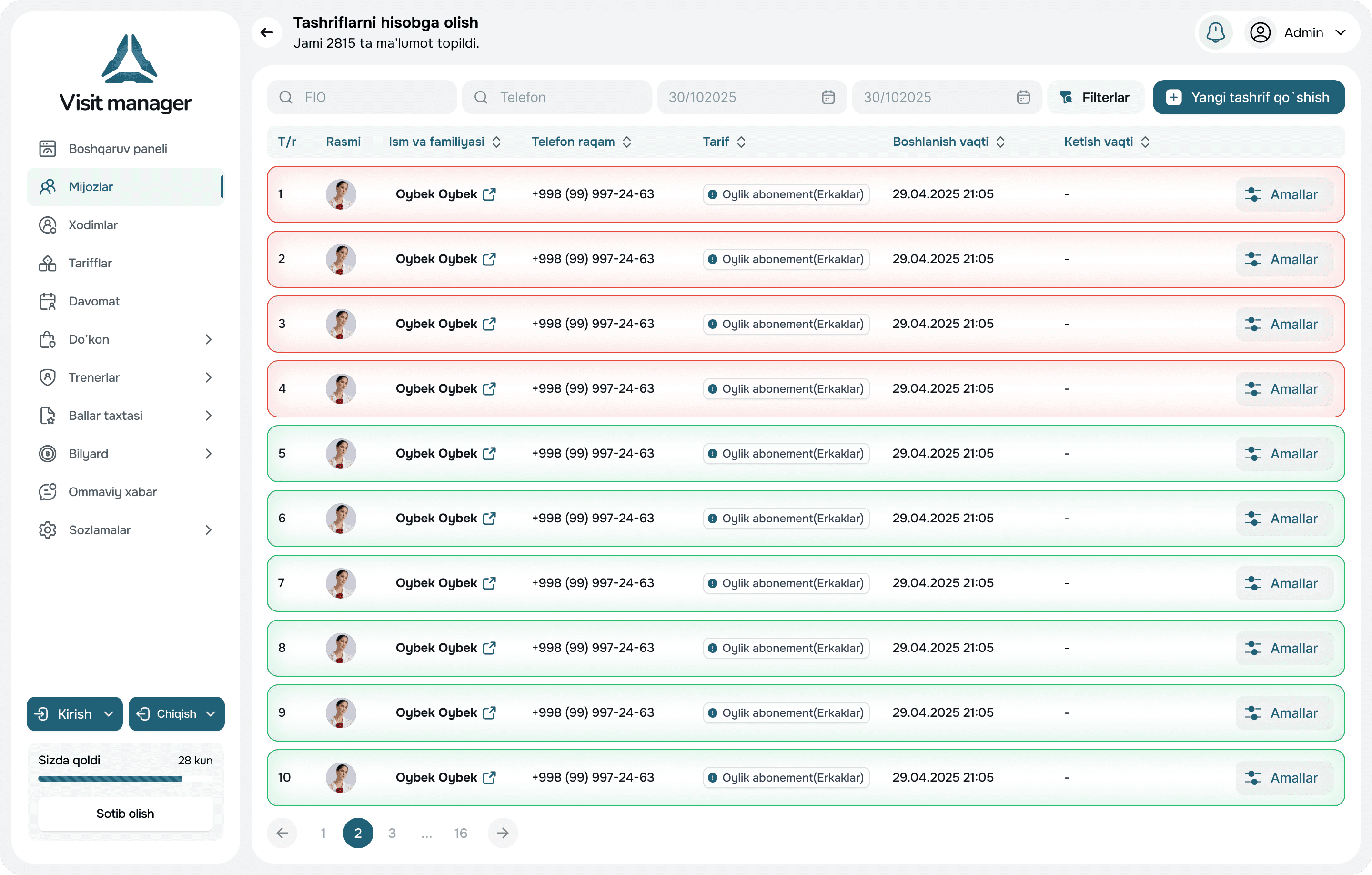
Attendance tracking solves two problems. First, control: did the client enter on a valid membership and within their visit limit. Second, analytics: which hours the gym is packed and which it's empty, to plan schedules and plans properly.
Visit Manager supports four entry methods, and they can be combined: some clients use a card, some the app, and regulars walk in by face.
Open visits close automatically after a set number of minutes. A repeated NFC scan within the interval counts as an exit. Buying a single-visit plan creates the visit automatically. All timings are configured by the club owner.
When a client forgets their card, the administrator finds them in the app and marks the entry. Exit is a swipe on the card with no confirmation. The "in the gym" list updates instantly.
Clients and plans sync with the turnstile in the background: sell a membership — the client can pass; it expires — the turnstile won't open. Every sync is logged to resolve disputes.
QR, NFC, turnstile or face — several at once is fine.
The system checks the membership and logs the entry.
"In the gym now" counter and hourly chart on the dashboard.
By timeout, by NFC, or with an administrator's swipe.
We integrate turnstiles with a network controller. Send us the model — we'll confirm compatibility before setup. If you don't have one yet, we'll help you choose.
In the VMI Pro app: the "in the gym now" list, manual check-in and one-swipe check-out.
The camera at the door recognises a client in a fraction of a second, checks the membership and logs the visit. The front desk is freed up, and lost cards stop being a problem.
Monthly, annual, 8 or 12 visits, single-visit, morning-only — any rules are set once. The system calculates validity and remaining visits itself and reminds about renewal.
A dashboard with today's gym load and revenue, eight reports for any period, and one-click Excel export. From the office or your phone.
We'll tell you about the system's features, help you choose the right plan, and assist with setup. We usually call back within 30 minutes.
We call back within 30 minutes
Free consultation
Setup assistance in 1–2 days
Fill out the form and we'll get in touch